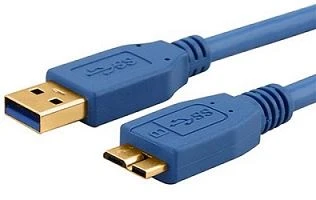
USB-A
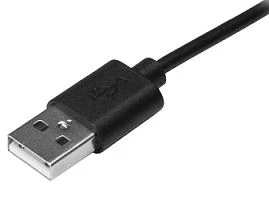
USB-A is most commonly used in computers or power outlets. When charging, connect the USB-A end to a usb plug or a laptop or computer.
USB-A cable can only enter the port in one way. You can usually tell which direction they should be printed by the USB symbol on the top. Ensure that the cable is inserted in the correct way to avoid damage to the cable or equipment.
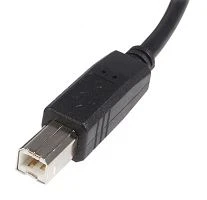
USB-B
USB-B port is mainly used to connect a printer or external hard drive to the computer. They are not as common as other types of USB cables.
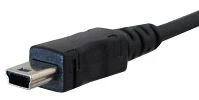
USB-Mini
USB-Mini is used to connect mobile devices including MP3 players and cameras. It is a much smaller connection and therefore allows for smaller devices.
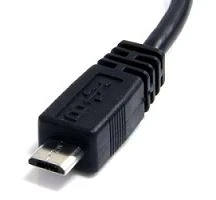
Micro-USB
Micro-USB used to be the most common USB port, and it can still be found on many older models. This type of connection allows data to be read without a computer. For example, you can directly connect a flash drive or memory stick to your mobile device.
Just like the USB-A cable, the Micro-USB can only enter the port under the correct path. Be careful to match the shaped port with the micro usb cable to avoid any damage.
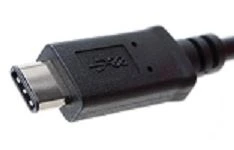
USB-C
USB-C is the latest USB development. All new Samsung devices have USB-c ports. The USB-C cable allows high-speed data transmission and higher power flow, allowing your phone to charge faster. The USB-C cable is also reversible and can be inserted in any direction.
USB 3
USB 3 is designed to be backward compatible with earlier versions of USB cables and ports. USB 3 has different shaped connector pins, so it can withstand more frequent use. The USB 3-A and USB 3-B cables are the same as the USB-A and USB-B cables at the top of this article, just to distinguish that they are blue inside. The USB 3 micro cable has extra pins to enable more data transfer.