


Computer Tower Wiring Harness: Simplifying Your PC Case Wire Management
When it comes to organizing the wiring inside your computer tower, a wiring harness can make all the difference. By using a computer tower wiring harness, you can streamline your PC case wire management and create a cleaner, more efficient setup.
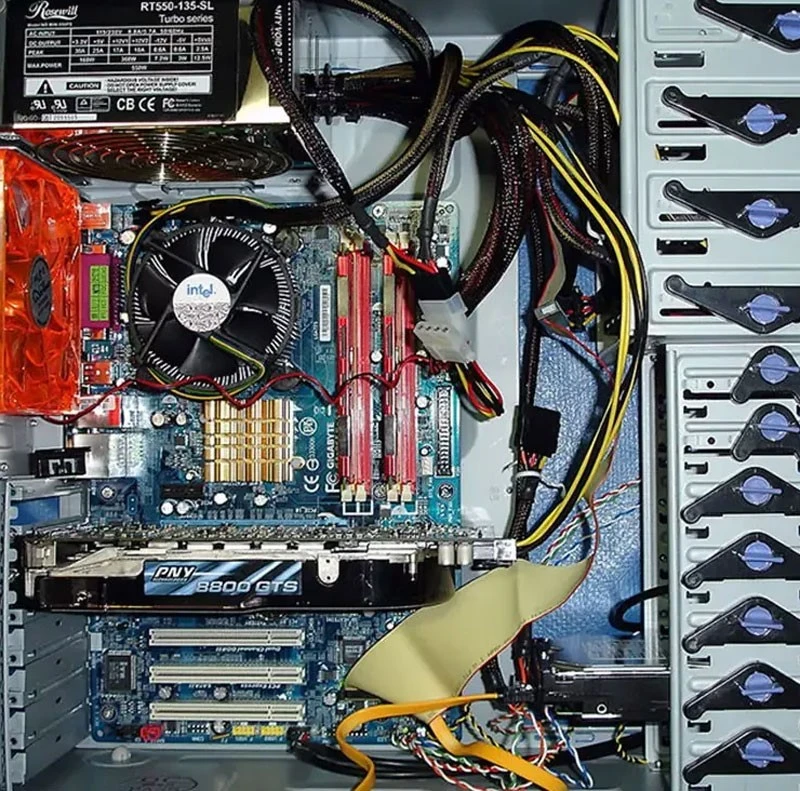
What is a computer tower desktop wiring harness?
A computer server tower wiring harness is a set of cables and connectors that are specifically designed to help you manage the wiring inside your PC case. These harnesses come in various sizes and configurations to accommodate different types of setups and components.
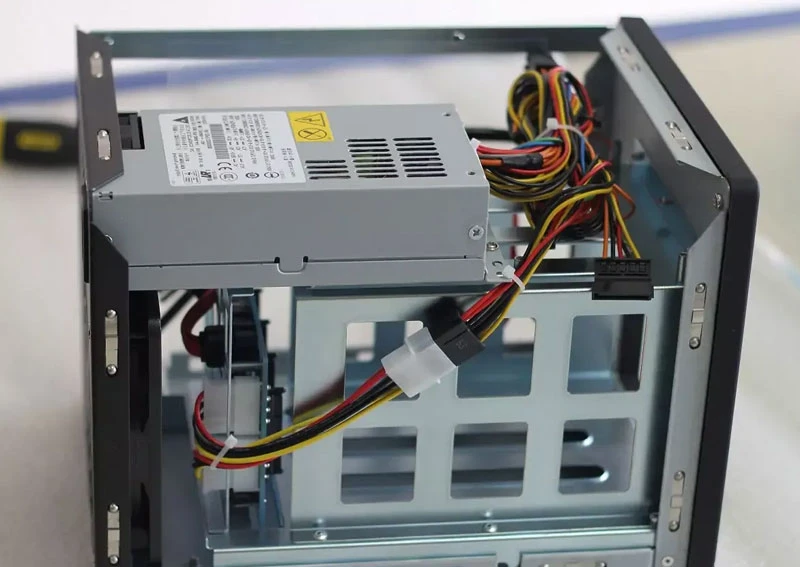
Why use a wiring harness in your desktop computer tower?
1. Simplified wire management: With a wiring harness, you can easily route and organize the cables inside your computer tower, reducing clutter and improving airflow. This can help prevent overheating and improve overall performance.
2. Customization: Wiring harnesses come in different lengths and configurations, allowing you to customize your wire management to fit your specific needs. You can easily connect your components and peripherals without having to deal with tangled cables.
3. Easy installation: Most wiring harnesses come with pre-installed connectors and labels, making it easy to identify and connect the cables to the correct components. This can save you time and effort during the setup process.
4. Cable protection: Using a wiring harness can help protect your cables from wear and tear, reducing the risk of damage or electrical problems. This can prolong the lifespan of your components and ensure a more reliable system.
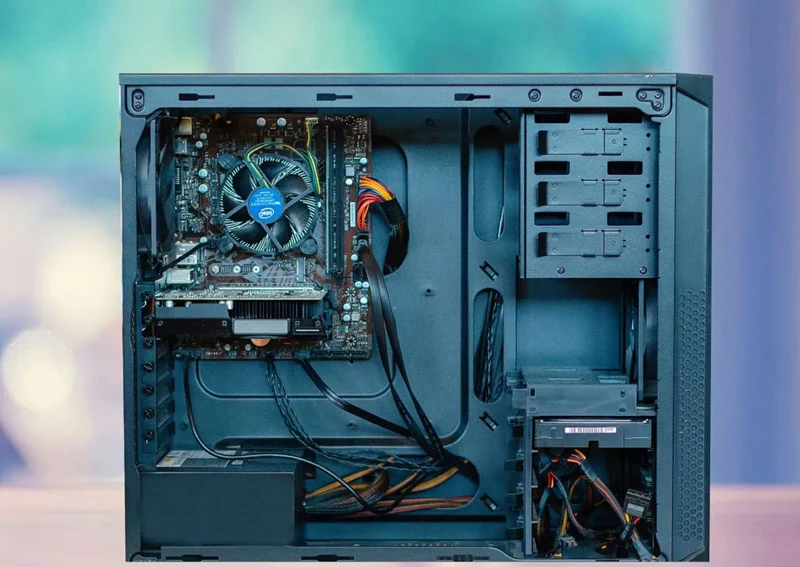
Tips for using a wiring harness in your computer tower:
1. Plan ahead: Before installing a wiring harness, take the time to plan out your wire management strategy. Consider the layout of your components and peripherals, as well as the airflow inside your PC case.
2. Use cable ties: To keep your wiring harness in place and prevent it from shifting during use, use cable ties to secure the cables to the edges of your case or to other components.
3. Label your cables: To make it easier to identify and troubleshoot any issues that may arise, label your cables with tags or markers. This can help you quickly locate and address any connectivity problems.
4. Regular maintenance: To ensure optimal performance, regularly check and clean your wiring harness to remove dust and debris. This can prevent overheating and improve the overall efficiency of your system.
In conclusion, a computer tower wiring harness can be a valuable tool for simplifying your PC case wire management. By using a wiring harness, you can improve airflow, reduce clutter, and protect your cables, leading to a more efficient and reliable computer setup. Consider investing in a wiring harness for your computer tower to streamline your wire management and optimize your system's performance.